|
Installing client,
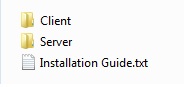
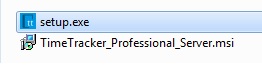
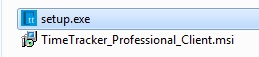
Open "Client" folder
And run "setup.exe"
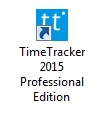
You would see Time Tracker icon on the desktop
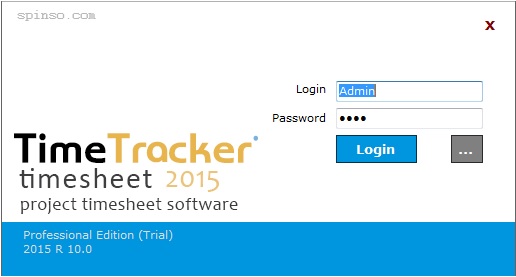
Click on the icon
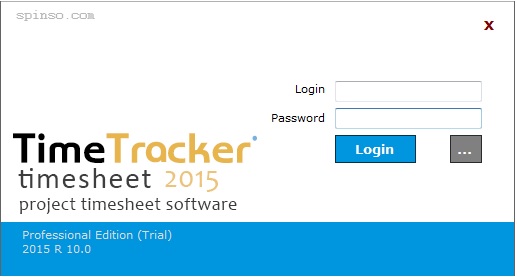
Time Tracker Application would open
Please note the login and password is blank
d. Setting INI path
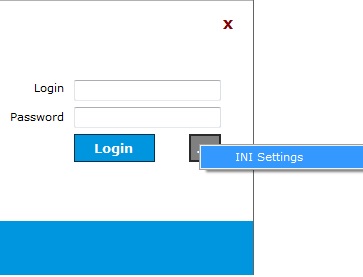
Click on the tool icon to set the path (next to login button)
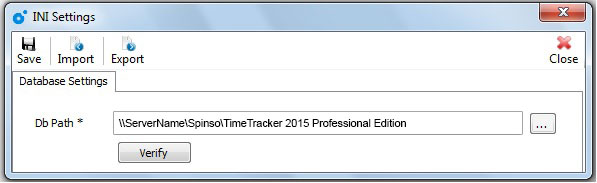
Click on "INI Setting"
In db Path, enter the path
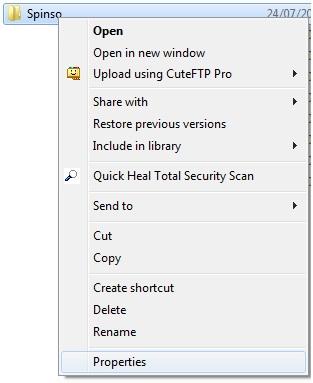
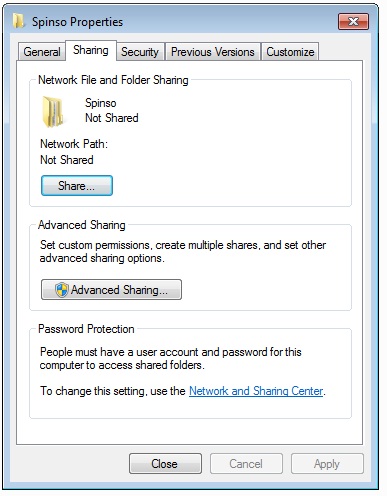
\\ServerName\Spinso\Time Tracker 2015 Professional Edition
Please note : ServerName is the name of your server.
Click "Verify"
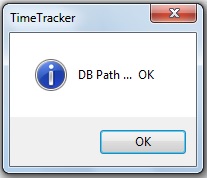
Status would appear "DB Path... Ok"
Click "ok"
Click on "Save" to save the setting
|